The Certificate of Computer Typing Proficiency (CCTP) is a new test offered by MKCL to build professional typing skills in English, Marathi, and Hindi languages with 30 or 40 words per minute speed. Through 50 structured online sessions in ERA, learners systematically develop speed, accuracy, and ergonomic typing habits using the Government-Approved Remington keyboard layout. After completing the test and successfully passing the Final Online Typing Exam conducted by MKCL, learners will receive a CCTP certified by MKCL.

CCTP
Course Features:
  • Language: English, Hindi
  • list-box-outline Track: Financial Accounting
  • Duration: 60 hours
  • layers-outline Level: Advanced
  • Learning Mode: Center
  • Jurisdiction: Nationwide
  • Certificate of Completion

Eligibility
  • Learner should preferably a std. 10th Pass student (Not Compulsory)
  • It is desirable that Learner should have done MS-CIT Course (Not Compulsory)

Academics

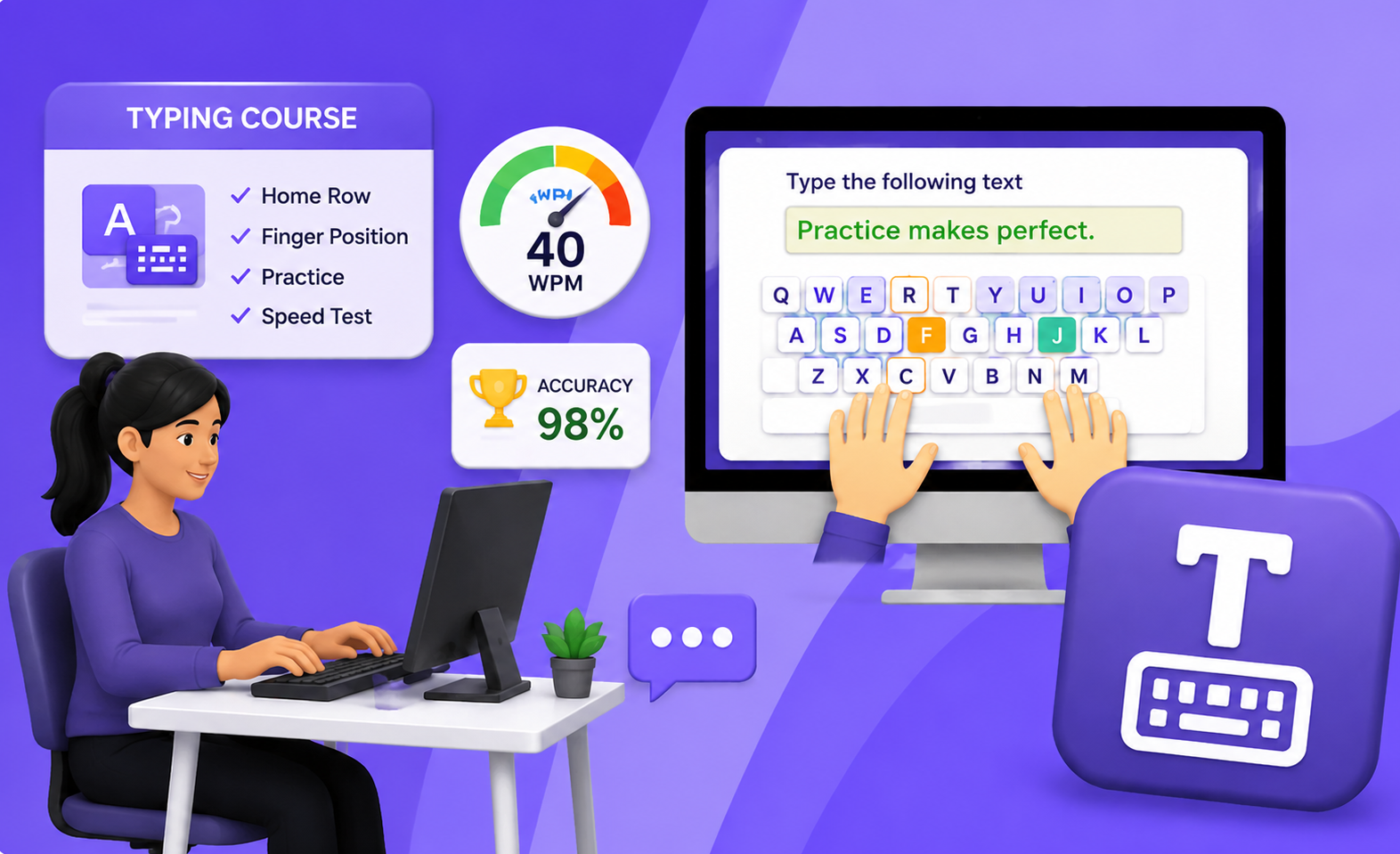
This test offers 50 structured, practice-oriented e-learning sessions on the ERA digital learning platform, focusing on finger positioning, ergonomics, speed-building and accuracy using the Government-Approved Remington keyboard layout.

Test Duration: 50 Hours (per day 1 session) Test can be completed in 2/3 months.


Test Objectives:

  • To develop computer typing proficiency at 30 or 40 words per minute.
  • To learn correct finger positioning, posture, and ergonomic typing techniques.
  • To master the use of the Remington keyboard layout (government standard).
  • To achieve typing proficiency essential for employability.
  • To type effectively in English, and Hindi.

Syllabus

  • Understand history of typing for professional use
  • How typing is better than writing for professional use
  • (QWERTY, Remington, Godrej, InScript, etc.)
  • English: QWERTY (Standard Layout)
  • Devanagari (Remington Devanagri Typewriter Layout):
  • Introduction to Phonetic Regional Using Inscript Technology (Tamil, Bengali, etc.)
  • Mechanical, Membrane, QWERTY Layout, Alternative AZERTY, Ergonomic & Specialty Keyboards like Split Keyboard, touchscreen and gaming
  • Detailed Overview of Remington (Using ISM and Remington Gail Devnagari)
  • Alphanumeric Keys – letters (A-Z), numbers (0-9), and symbols (e.g., !, @, #). Used for typing text, numbers, and special characters.
  • Modifier Keys – Shift, Ctrl (Control), Alt (Alternate), and Win (Windows)/Cmd (Command) and Keyboard Shortcuts, Function Keys (F1-F12) –
  • Marathi Keys on Remington Keyboard
  • Navigation & Editing Keys – Arrow Keys, Home, End, Page Up/Down, Delete, and Backspace
  • Special-Purpose Keys – Enter, Esc (Escape), Tab, Caps Lock, Num Lock, Print Screen, and Spacebar, Combination Keys + Summary
  • होम रो की अक्षरें: होम रो में अनुस्वार, मात्रा, क, पहली वेलांटी, ह, दूसरी वेलांटी, र, काना, स, य और श ये अक्षर हैं।
  • टॉप रो की अक्षरें: टॉप रो में पहला उकार, दूसरा उकार, म, त, ज, ल, न, प, व, च, ख, अल्पविराम और पूर्णविराम हैं।
  • बॉटम रो की अक्षरें: बॉटम रो में रकार, ग, ब, अ, पहला इ, द, उ, ए, ण और घ हैं।
  • नंबर रो के अंक और अक्षर: नंबर रो में पाय मोड़ने के लिए या अक्षर जोड़ने के लिए बटन, १, २, ३, ४, ५, ६, ७, ८, ९, ० ये मराठी अंक, ञ और रुकार हैं।
  • शिफ्ट की: द्य, खड़ी रेखा, स्लैश, कोलन, बराबर का चिह्न, डैश, दोहरे उद्धरण चिह्न, एकहरे उद्धरण चिह्न, द्ध, त्र, ऋ, पूर्णविराम और पाय मोड़ने के लिए कैरेक्टर।

Finger positioning and movement Understanding key zones (upper/lower rows, numbers, symbols) Home row keys Finger placement on home row - अनुस्वार, मात्रा, क, पहली वेलांटी, ह, दूसरी वेलांटी, र, काना, स, य और श।
  • Mixed home row letters
  • Simple 2-3 letter words
  • Home row reinforcement
  • Introducing the spacebar & shift key
  • Finger placement on top row पहला उकार, दूसरा उकार, म, त, ज, ल, न, प, व, च, ख, अल्पविराम और पूर्णविराम हैं।
  • Single-letter exercises - home row
  • Single-letter exercises - top row
  • Single-letter exercises - bottom row
  • Single-letter exercises – number row
  • Finger placement on bottom row - रकार, ग, ब, अ, पहला इ, द, उ, ए, ण और घ।
  • Typing Practice using Numbers and Special characters above top row
  • Simple word typing (using learned keys)
  • Repetition drills for muscle memory
  • Typing using with Home row
  • Left Hand and Right Hand and fingers positioning
  • Single Key Repetition
  • Two-Key Combinations
  • Simple Words
  • Typing using with Top row
  • Two-Key Combinations
  • Typing using with Bottom row
  • Matras
  • Symbols
  • Typing using Number Keys - पैर मोड़ने के लिए या अक्षर जोड़ने के लिए बटन, १, २, ३, ४, ५, ६, ७, ८, ९, ० ये मराठी अंक, ञ और रुकार, और शिफ्ट की — द्य, खड़ी रेखा, स्लैश, कोलन, बराबर का चिह्न, डैश, दोहरे उद्धरण चिह्न, एकहरे उद्धरण चिह्न, द्ध, त्र, ऋ, पूर्णविराम और पैर मोड़ने के लिए कैरेक्टर।
  • Various exercises for all 4 rows of keys
  • Speed increasing and Error reduction techniques
  • Following Keyboard layout (Remington) used for the test

Certificate

  • MKCL awards a certificate to DEEP learners upon successful completion of the prescribed course.

  • Academic Approach

    The Academic Approach of the course focuses on the “work centric” education i.e. begin with work (and not from a book !), derive knowledge from work and apply that knowledge to make the work more wholesome, useful and delightful. The ultimate objective is to empower the Learner to engage in socially useful and productive work. It aims at leading the learner to his/her rewarding career as well as development of the society.

    Learning methodology

    • Learners are given an overview of the course and its connection to life and work.
    • Learners are then exposed to the specific tool(s) used in the course through the various real-life applications of the tool(s).
    • Learners are then acquainted with the careers and the hierarchy of roles they can perform at workplaces after attaining increasing levels of mastery over the tool(s).
    • Learners are then acquainted with the architecture of the tool or Tool Map so as to appreciate various parts of the tool, their functions and their inter-relations.
    • Learners are then exposed to simple application development methodology by using the tool at the beginner’s level
    • Learners then perform the differential skills related to the use of the tool to improve the given ready-made outputs.
    • Learners are then engaged in appreciation of real-life case studies developed by the experts.
    • Learners are then encouraged to proceed from appreciation to imitation of the experts.
    • After imitation experience, they are required to improve the expert’s outputs so that they proceed from mere imitation to emulation.
    • Finally, they develop the integral skills involving optimal methods and best practices to produce useful outputs right from scratch, publish them in their ePortfolio and thereby proceed from emulation to self-expression.

    Evaluation Pattern

    Evaluation Pattern of DEEP Courses consists of 4 Sections as per below table:

    Section No. Section Name Total Marks Minimum Passing Marks
    1 Learning Progression 25 10
    2 Internal Assessment 25 10
    3 Final Online Examination 50 20
    Total 100 40
    4 SUPWs (Socially Useful and Productive Work in form of Assignments) 5 Assignments 2 Assignments to be Completed & Uploaded

    MKCL’s DEEP Certificate will be provided to the learner who will satisfy the below criteria:

    1. Learners who have successfully completed above mentioned 3 Sections i.e. Section 1, Section 2 and Section 3
    2. Additionally, learner should have completed Section 4 (i.e. Section 4 will comprise of SUPWs i.e. Socially Useful and Productive Work in form of Assignments)
      • Learner has to complete and upload minimum 2 out of 5 Assignments

    DEEP Course Fee

    For course fee details, please contact your nearest Authorised Learning Center (ALC).

    To locate nearest ALC: please click here